
Blog
 Jul15
Jul15
5 Essential Checks to Do Before Your Battery Installer Leaves
Your new home battery has just been installed. The installers are packing up, the paperwork is ready to be signed, and everything looks complete. But before they drive away, there’s one important question to ask yourself.
“Do you actually know your battery system is working the way it’s supposed to?”
The truth is, most homeowners only discover small issues after the installer has left, whether it’s a monitoring app that hasn’t been connected or simply not knowing how to use the system.
The good news? A few simple checks before your installer leaves can save you unnecessary frustration later and give you complete confidence in your investment.
Why These Checks Matter
A home Solar battery is designed to do much more than store excess solar energy. It’s expected to charge correctly, communicate with your solar system, provide backup power (if included), and perform reliably for years.
Taking ten extra minutes to verify everything has been installed and explained properly can help you avoid unnecessary service calls while making sure you get the most from your battery from day one.
Make Sure the Battery Is Operating Normally
The first thing to check is the simplest.
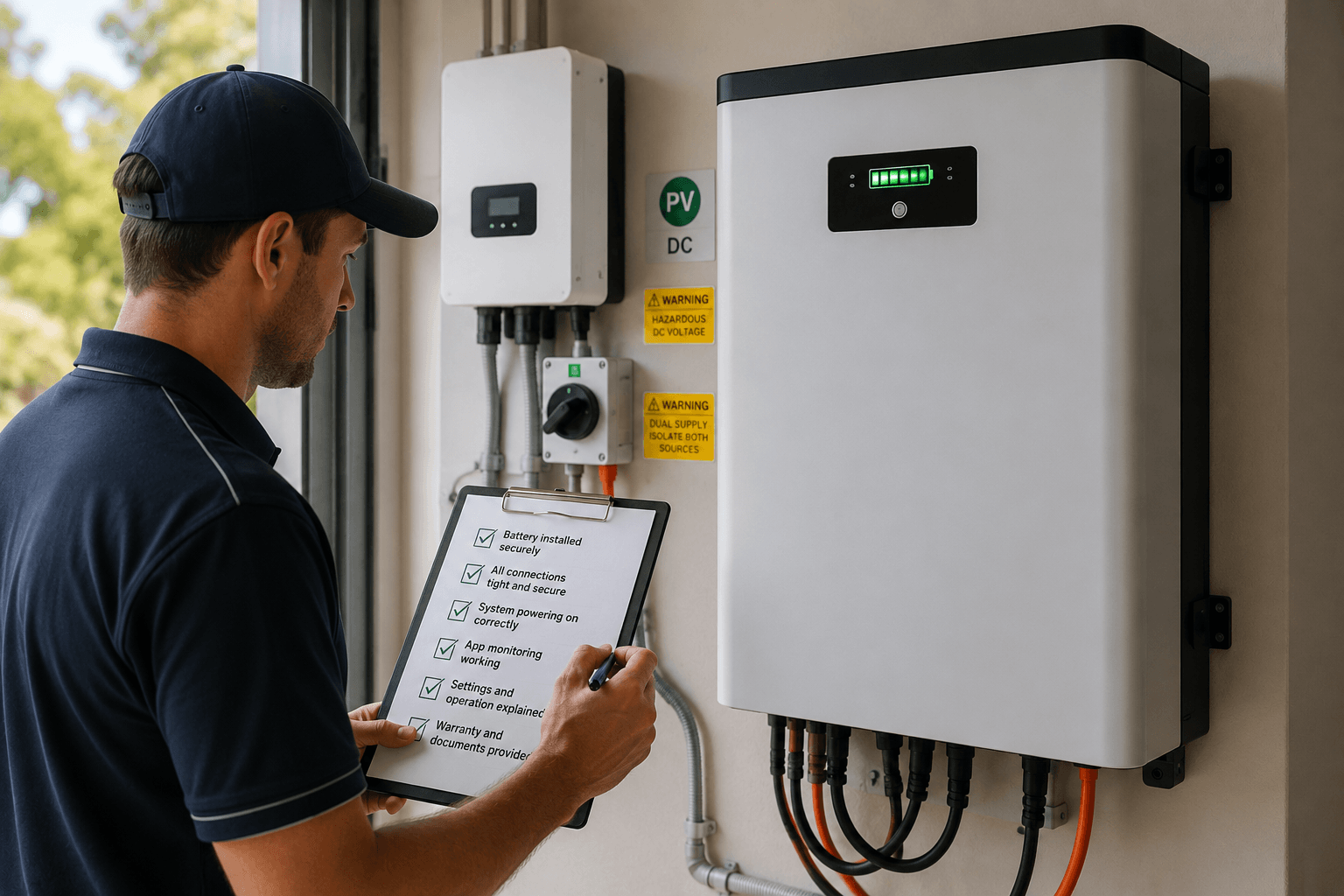
Ask your installer to confirm that the battery has powered up correctly and is operating without any fault messages or warning indicators. Most modern battery systems display their operating status either through indicator lights or a digital interface.
This gives you confidence that the installation has been completed successfully before the team leaves your property.
Open the Monitoring App Together
Your battery doesn’t stop working once it’s installed, and neither should your visibility into its performance.
Before your installer leaves, ask them to help you log into the monitoring app and explain what you’re looking at. You should know how to check your battery’s charge level, energy usage, solar generation, and any system alerts.
Understanding the app from the beginning makes it much easier to monitor your system and quickly identify anything unusual in the future.
Confirm the Battery Is Charging Properly
A battery that’s installed isn’t necessarily a battery that’s charging. Ask your installer to show you that energy is flowing into the battery. Depending on the time of day and your solar production, you should be able to see the battery charging through the monitoring app or system display.
It’s a small check, but one that confirms your solar panels victoria, inverter,r and battery are all communicating correctly.
Request a Backup Power Demonstration
If your battery includes backup capability, don’t assume everything has been configured correctly.
Ask your installer to demonstrate how the backup function works and explain which circuits remain powered during a blackout. This is also the perfect opportunity to ask how the system automatically switches to battery power and what you should expect if an outage occurs.
It’s much better to learn this now than during your first unexpected power interruption.
Review the Installation Before Signing Off
Finally, take a few moments to walk through the completed installation with your installer.
Ask where the battery isolation switch is located, make sure all documentation and warranty information has been provided, and confirm that the work area has been left clean and tidy. If anything doesn’t look right, now is the best time to raise it.
Before Your Installer Leaves, Ask These Questions
By this point, you’ve confirmed that your battery system is operating as expected. Now it’s time to make sure you know how to use it with confidence.
Before your installer leaves, ask these important questions:
- What should I do if the battery displays an error or warning message?
- What happens if my home Wi-Fi disconnects from the monitoring app?
- How does the battery behave during a power outage, and do I need to do anything manually?
- Does the system require any regular maintenance or servicing?
- Who should I contact if I need support after the installation is complete?
A professional installer should be happy to answer these questions before leaving. Knowing how your system works today can save you time and unnecessary service calls in the future.
Also Read: Best Solar Battery Systems for Australian Households in 2026
In Closing
A successful Solar battery installation isn’t just about having the equipment mounted on the wall but knowing that everything has been installed correctly and understanding how your system works before your installer leaves.
Taking a few extra minutes to complete these essential checks and ask the right questions can help you avoid unwanted surprises later while giving you greater confidence in your investment from day one.
At Sunburn Solar, we believe every homeowner should feel completely comfortable using their battery system before the installation is signed off. That’s why our team takes the time to walk you through your system, answer your questions, and make sure you’re confident long after the installation is complete.
FAQs
How do I know if my home battery has been installed correctly?
A properly installed battery should power on without fault messages, charge correctly, connect to its monitoring app and, if applicable, demonstrate backup power functionality. Your installer should also explain how the system operates before leaving.
Should my installer show me how to use the monitoring app?
Yes. Your installer should help you access the monitoring app, explain the key features, and show you how to monitor battery charging, energy usage, and any system alerts.
Do I need to test my battery before the installer leaves?
While homeowners don’t perform technical electrical testing themselves, it’s good practice to verify that the battery is operating normally, charging correctly, and that any backup functionality has been demonstrated before the installer leaves.
What questions should I ask after a battery installation?
Ask about backup power operation, monitoring app connectivity, maintenance requirements, error messages, warranty coverage, and who to contact if you need support after installation.
© 2026 sunburnsolar.com.au. All rights reserved. - Restructuring Practitioner Appointed
Powered by: